Get paid
Get paid the way
they pay.
A tap on your iPhone at the counter, a QR by the till, or a link in WhatsApp for the order going out with the delivery boy. All three land in one place, and Hesab books each one.
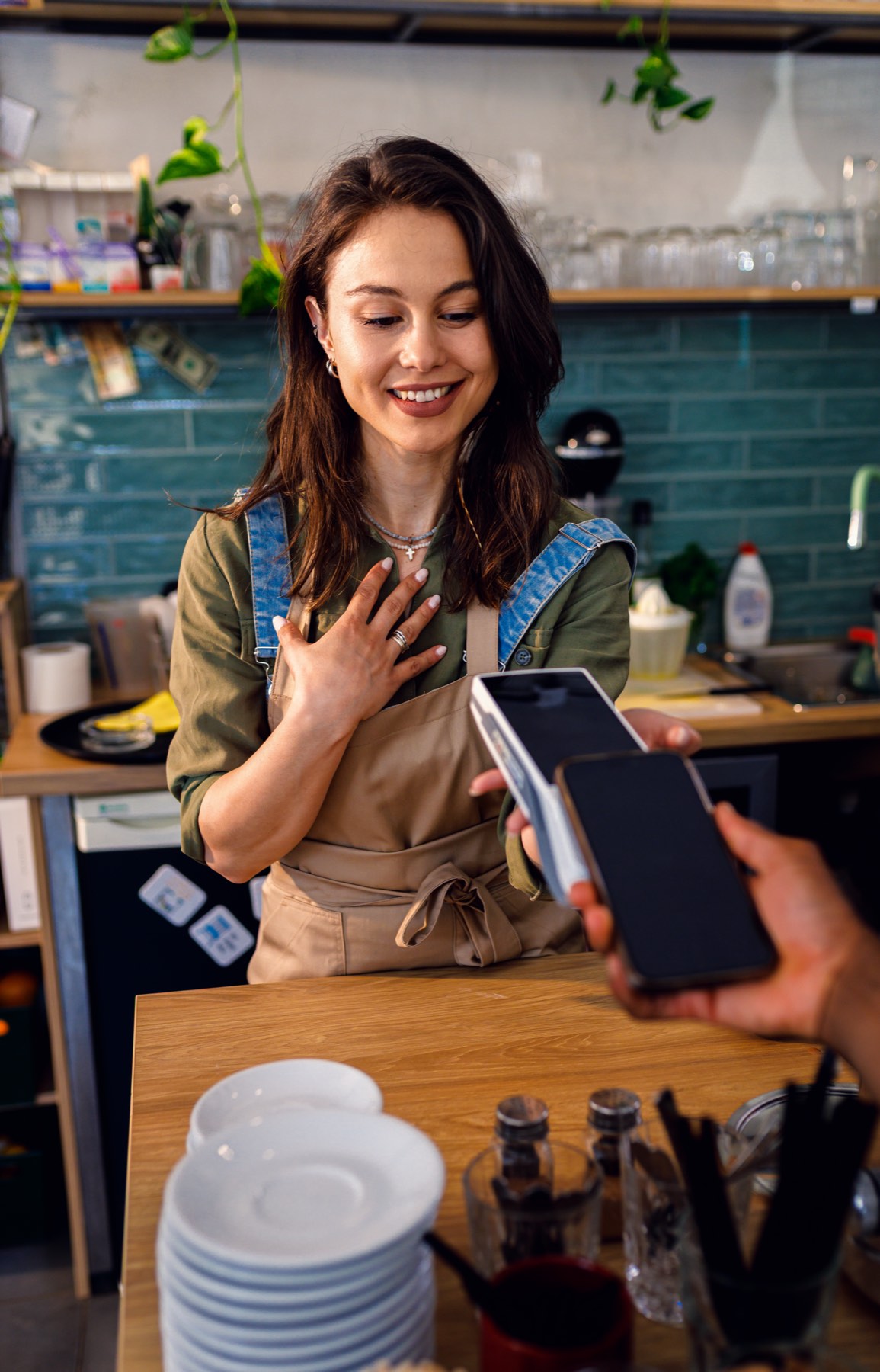
Tap to Pay on iPhone
Your iPhone is the terminal.
Cards, Apple Pay and Google Pay tap straight onto the phone in your hand. No machine to rent and no wires on the counter.
Try it: type an amount or add items, then press Charge.
Karak Al NakheelNew sale
Amount
AED
AED18.50
Hold the card near the top of iPhone
Paid
AED18.50
Visa · 4417
Hesab
Booked to sales. VAT of AED 0.88 set aside.
Links and QR
A payment link that looks right in WhatsApp.
UKUmm Khalidonline
Today
Salam, can you send 2 trays of eggs with the boy? I'll pay now.10:12
Dukkan36.00
Karak Al Nakheel · AED 36.002 trays of eggspay.dukkan.ae
Here's the link, pay by card or Apple Pay: pay.dukkan.ae/nakheel/k7Q2
10:14Karak Al Nakheel
Payouts and fees
- 07:00Yesterday's sales in your bank, every morning, weekends included.
- 1.9%Plus AED 0.50 a payment. No monthly fee.
- 0Terminals to rent. The iPhone you already carry does the job.