11 blocks from 11 live pages
Tabs, toggles and sliders
Controls let a visitor change what the page shows: switch a tab, flip monthly to yearly, drag a slider, choose a region. On a landing page they are often the first thing a visitor touches, so they need clear states and generous targets. A control that changes a price or a plan should update the figure right beside it, so the effect is visible at once.
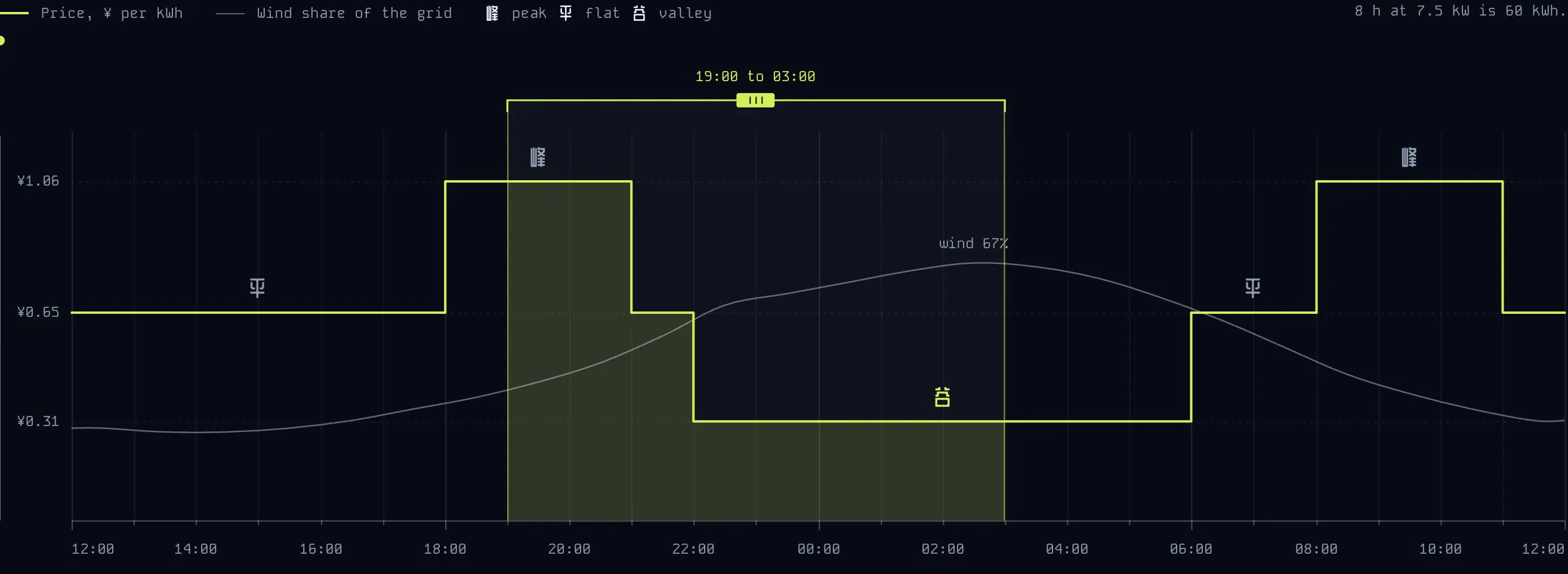
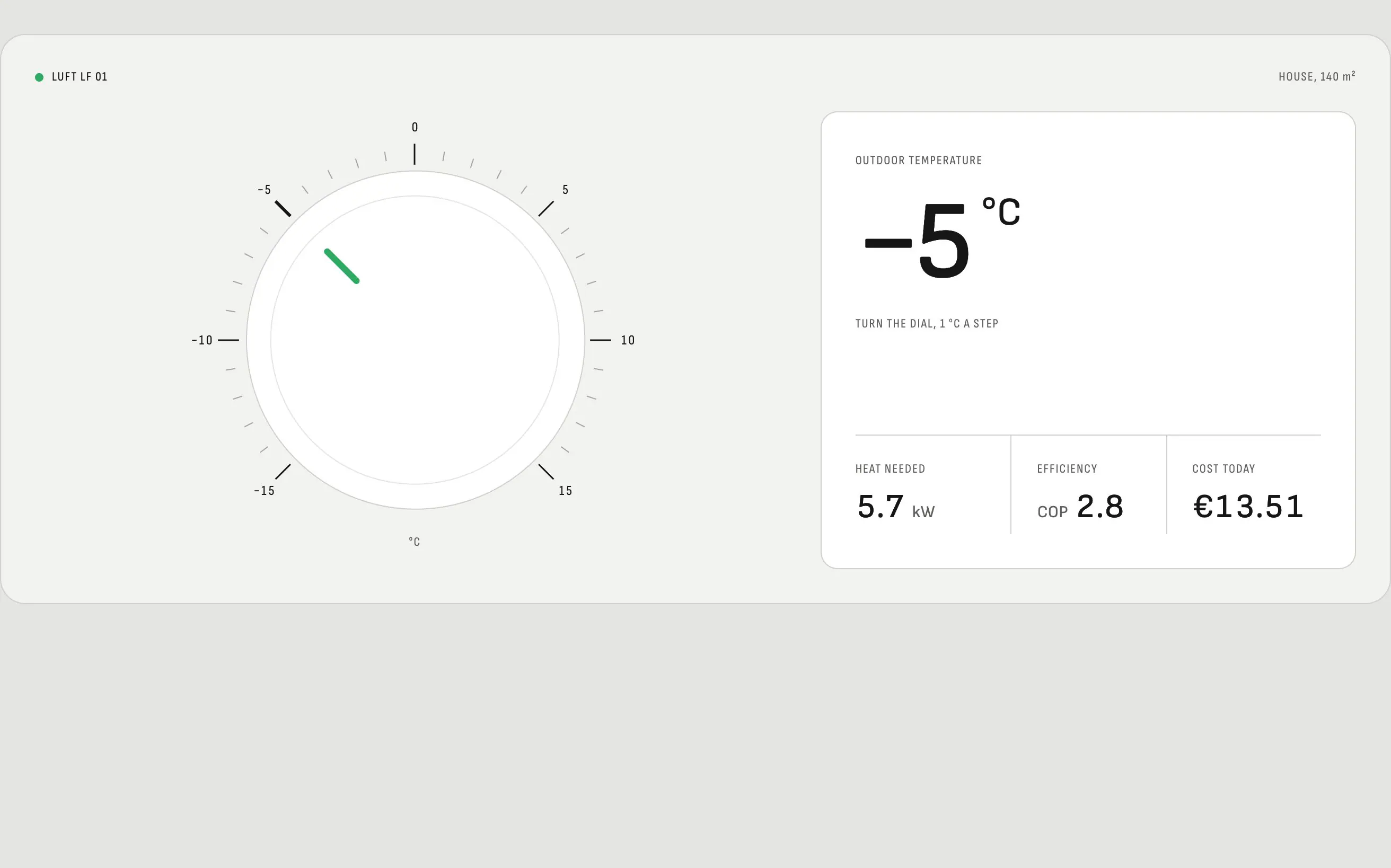
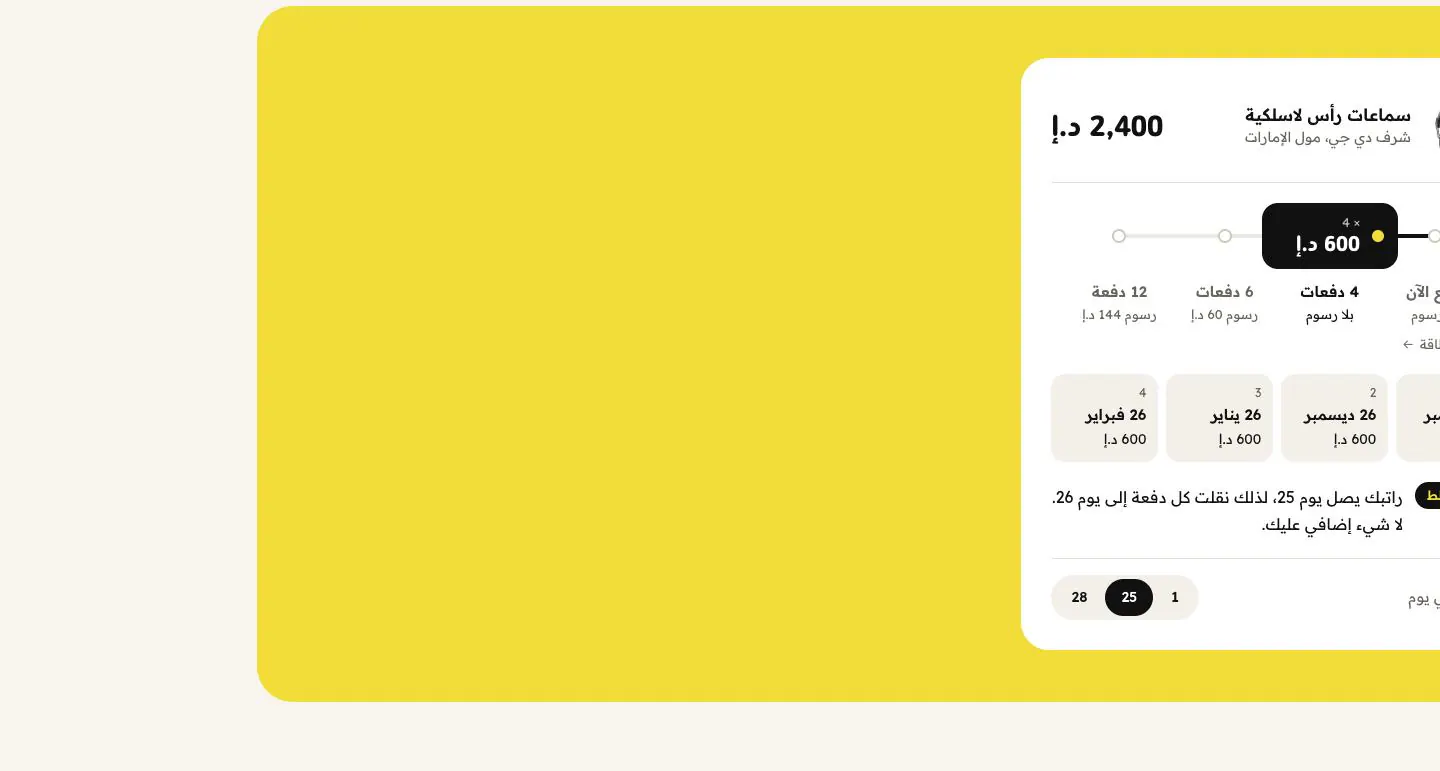
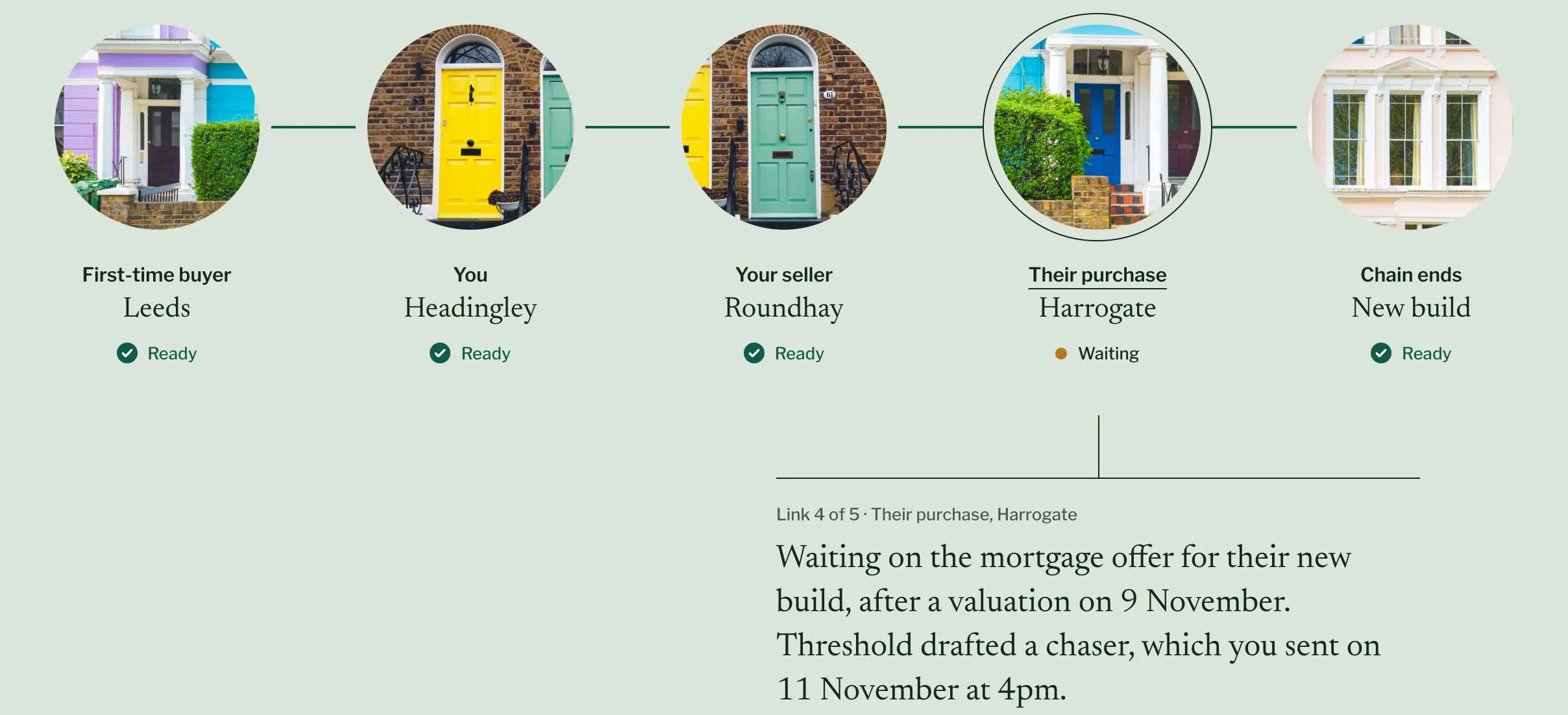
This set includes a numbered tablist with fill bars, a monthly or yearly toggle, a segmented control for two regions, a millimetre ruler slider you can also type into, a device dial with rolling readouts and a mirrored payment slider in Arabic. Each prompt describes how the control behaves and what it needs for accessibility, so its states survive the rebuild.
Every block has a live preview, the code behind it and a prompt that rebuilds it in Claude, Cursor, v0 or Lovable. 5 of them are free with an account, and blocks can be stacked into one prompt that builds a whole page.