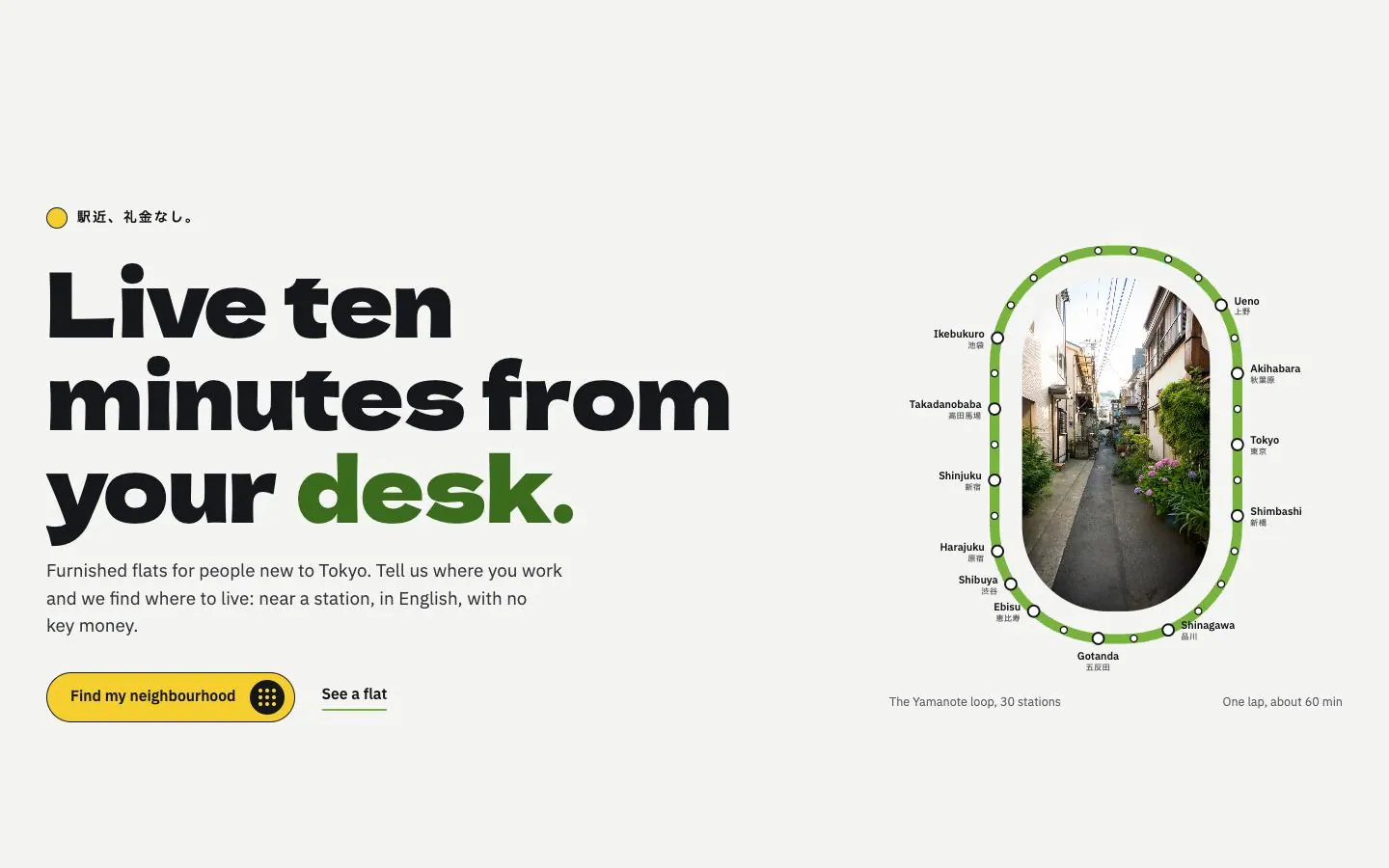
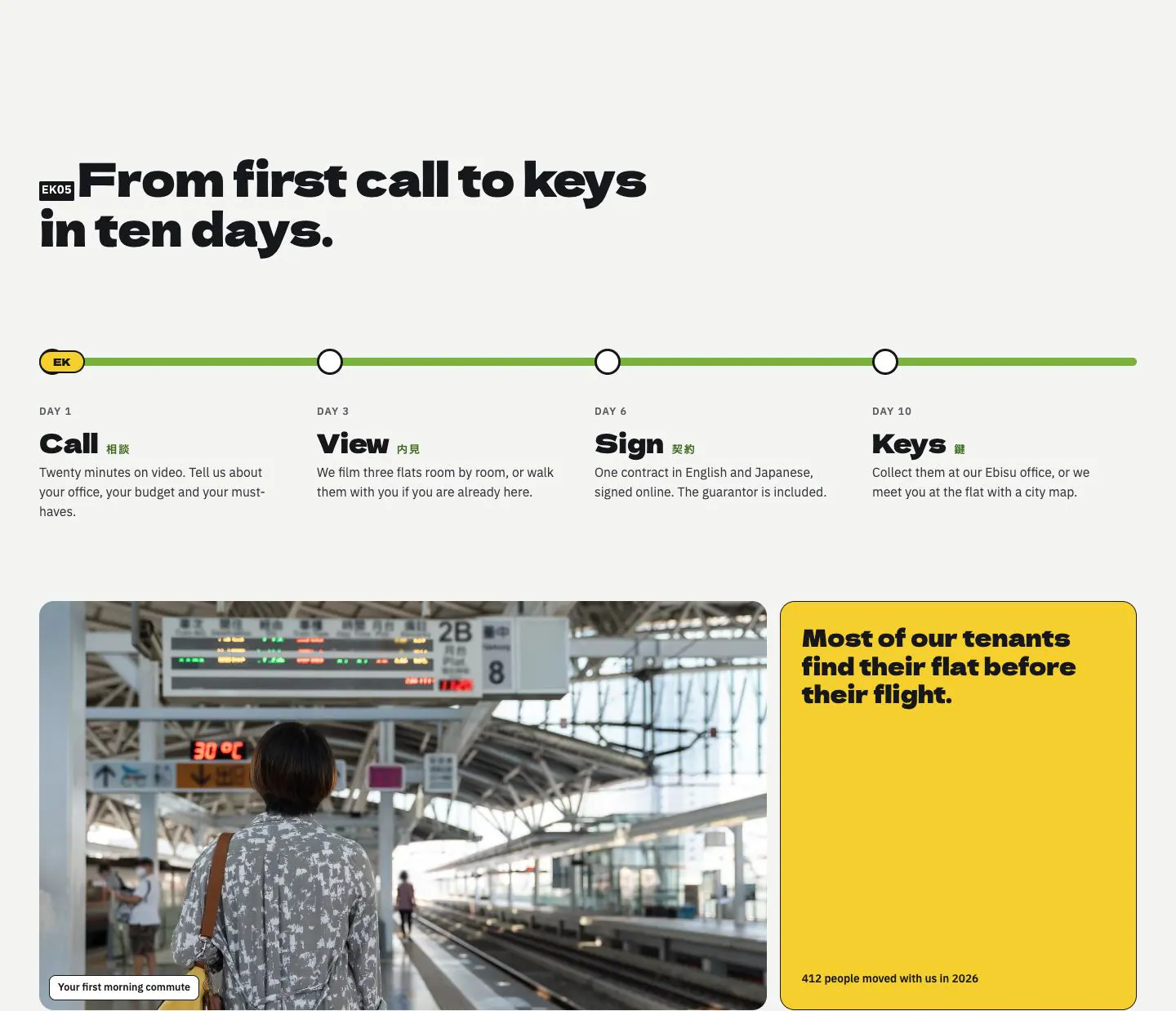
Six rule modules on one grid
Six square modules (key money, deposit, guarantor, renewal, contract, move-in) beside one tall photo; tap a module and a yellow note slides up.
Links in the preview stay on the block.
Open on its ownThe prompt
One prompt, written to stand on its own: goal, structure, type, colour, spacing, behaviour and the words in square brackets to replace. Paste it into any tool that writes HTML. The Code tab has this block as one file.
501 words
# Six rule modules on one grid

One features section, not a whole page: build it to drop into a page that already exists. Works in Claude, v0, Lovable, Bolt, Cursor or any tool that writes HTML.

## Goal
Show many small facts calmly: each module holds one term, one value and one label, and the explanation waits behind a tap.

## Structure
1. Heading with an inline station-code badge and one sentence
2. Twelve-column body: a photo across four columns, two rows tall
3. Eight columns: a three by two grid of square modules
4. Each module is a button: kanji and kana top left, a plus top right, a big value in the middle, the English label at the bottom, a hidden yellow note
The full prompt and code are part of Pro
Blocks from free pages include both at no cost.
Media to supply
The photos and video on the live page are licensed for this showcase, so the code points at an assets folder instead. Drop your own files in with these names, or change the paths: houses.webp
More like this
Features
Same page